Platform
Privacy Center
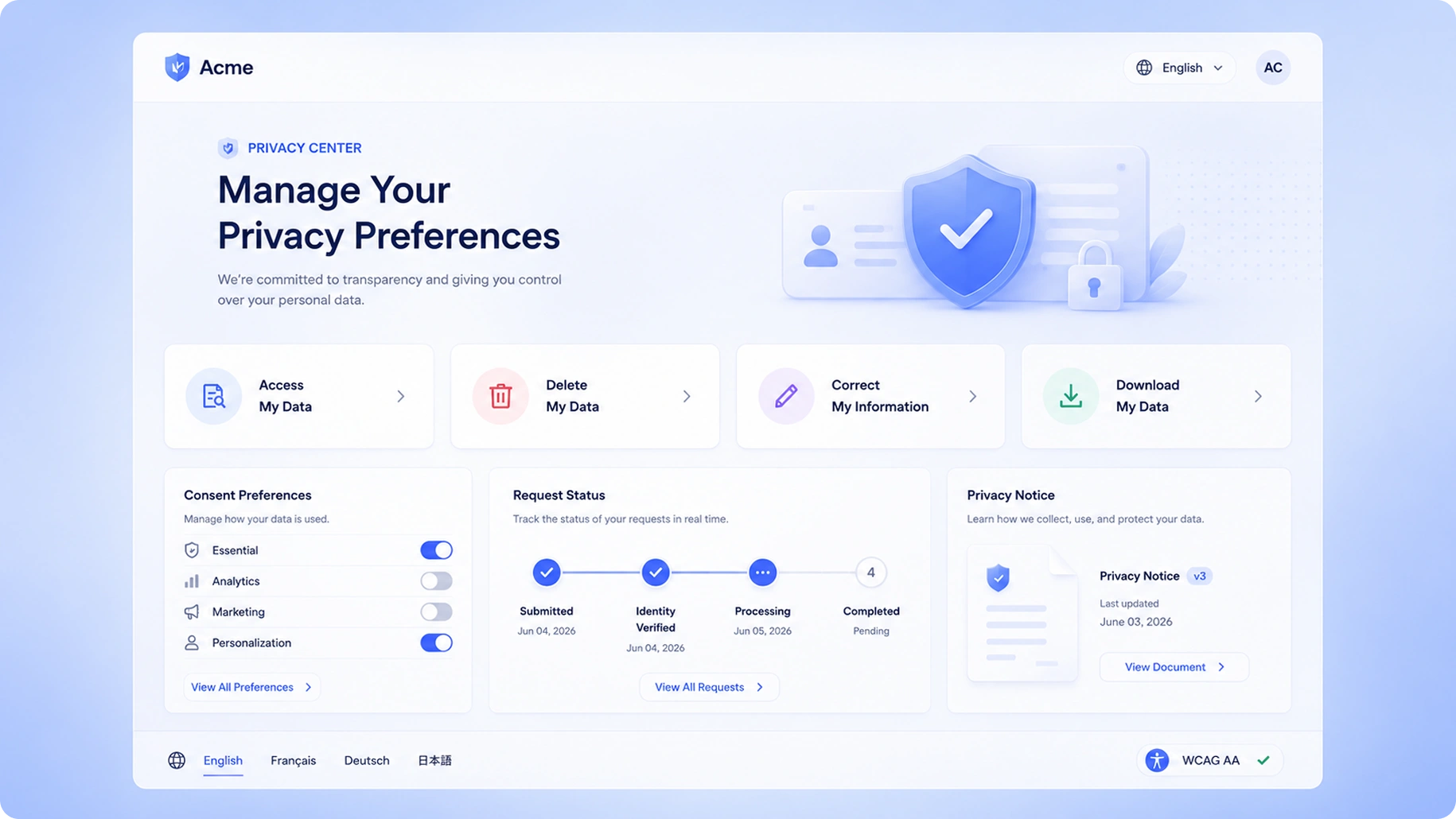
Give your users a transparent, beautifully branded portal to view, manage, and exercise their data privacy rights — without overwhelming your support team.
Benefits
Why teams choose Privacy Center
White-Label Portal
Fully customizable portal that matches your brand, hosted on your subdomain.
Self-Service Rights
Users can submit any data subject request type without contacting support.
Consent Transparency
Show users exactly what consents you hold and let them update preferences instantly.
Multi-Language Support
Support 30+ languages out of the box for global compliance.
Capabilities
What Privacy Center does
Fully White-Labeled Portal
The Privacy Center is hosted on your own subdomain (e.g., privacy.yourbrand.com) with your logo, colors, fonts, and custom copy. Visitors experience a seamless extension of your brand, not a third-party tool.
Self-Service DSR Submission
Data subjects can submit any supported request type through a guided, multi-step form that collects the information needed for verification and processing without requiring them to call or email your team.
Live Request Status Tracking
After submitting a request, users receive a unique tracking link. They can check the real-time status of their request — received, in review, processing, completed — without contacting support.
Consent & Preference Transparency
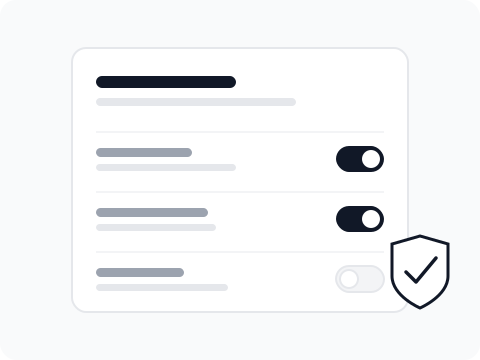
Authenticated users can view exactly which consents your organization holds for them, when those consents were given, and update their preferences or withdraw consent instantly from the portal.
Multi-Language Support
The Privacy Center is available in 30+ languages with automatic browser-language detection. Custom translations for your specific copy are supported for each language.
Accessibility Compliance
The portal meets WCAG 2.1 AA standards out of the box, ensuring it is usable by people with disabilities and satisfies accessibility requirements in jurisdictions that mandate it for digital services.
How It Works
From setup to compliance
A few straightforward steps — no consultants required.
Configure Your Brand
Upload your logo, set your brand colors, choose typography, and configure your subdomain in the Privacy Center settings panel. No design or engineering resources required.
Enable Request Types
Select which DSR types and consent management features to surface based on your applicable regulations. Toggle each request type on or off and customize the intake form fields for each.
Publish & Share
Publish your Privacy Center and link to it from your website's privacy policy, cookie banner, and footer. The URL is stable and can be embedded as an iframe if preferred.
Monitor Incoming Requests
All submissions from the Privacy Center flow into your TruePrivacy DSR queue with full context, and the data subject is immediately sent a confirmation email with their tracking link.
Included
Everything in the box
- Custom branding and domain
- All DSR types supported
- Consent preference management
- Request status tracking for users
- Email notifications
- Accessibility-compliant (WCAG 2.1 AA)
FAQ
Frequently asked questions
Yes. The Privacy Center can be hosted on any subdomain you control, such as privacy.yourcompany.com. You configure the DNS CNAME record and TruePrivacy handles SSL certificate provisioning automatically.
The Privacy Center UI is available in 30+ languages including English, French, German, Spanish, Italian, Portuguese, Dutch, Polish, Hindi, Japanese, and more. The system detects the visitor's browser language automatically and falls back to your configured default language.
Yes. If you enable authenticated access, users can log in using a magic link sent to their email address. Authenticated users get access to their consent history, preference center, and submitted request history — all scoped to their verified identity.
Every request goes through identity verification before it enters the processing queue. You can configure the verification level per request type. Rate limiting and fraud detection run in the background to block automated or mass-submission attacks.
Yes. The Privacy Center is fully responsive and works on all screen sizes. It meets WCAG 2.1 AA accessibility standards and is tested with major screen readers.
Ready to automate Privacy Center?
Join hundreds of teams using TruePrivacy to manage privacy operations at scale.
Free 14-day trial · No credit card required · Setup in minutes