Platform
Integrations
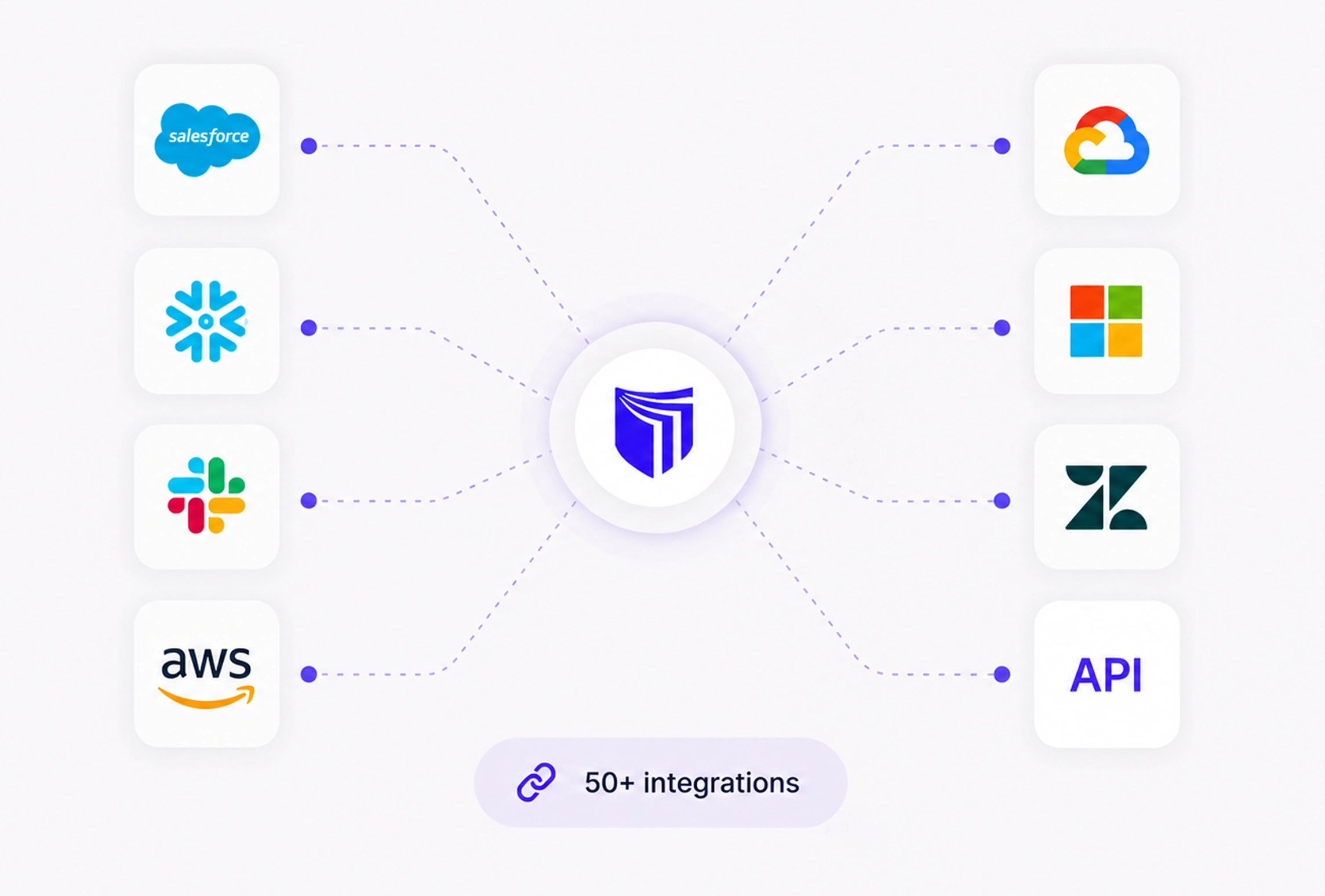
TruePrivacy connects to every tool in your stack — from CRMs and marketing platforms to data warehouses and cloud providers — so you get a complete picture of your data landscape.
Benefits
Why teams choose Integrations
No-Code Connectors
Connect most tools with OAuth in minutes — no engineering required.
Bi-Directional Sync
Pull data inventory and push compliance actions back to source systems.
Custom Integrations
Build custom connectors using our REST API and webhook infrastructure.
Enterprise Connectors
Salesforce, Workday, SAP, and other enterprise systems supported out of the box.
Capabilities
What Integrations does
50+ Pre-Built Connectors
Native connectors for CRMs (Salesforce, HubSpot), marketing platforms (Mailchimp, Klaviyo), cloud storage (AWS S3, Google Cloud), databases (PostgreSQL, MySQL), HR systems (Workday, BambooHR), and many more.
OAuth-Based Authorization
Most connectors use OAuth 2.0 so setup requires only clicking 'Authorize' in the integration settings — no API keys to manage, no credentials stored in TruePrivacy, no engineering work required.
Bi-Directional Sync
Integrations both pull data inventory information from source systems and push compliance actions back. DSR deletions, consent updates, and retention expirations are propagated to source systems automatically.
Custom Connector SDK
Build connectors for proprietary or legacy systems using the TruePrivacy connector SDK. The SDK provides standard interfaces for data discovery, DSR execution, and consent sync so custom connectors work identically to built-in ones.
Enterprise Connectors
Certified connectors for enterprise systems including Salesforce, SAP, Workday, ServiceNow, and Microsoft 365 with enterprise-grade authentication and support for complex data models.
Integration Health Monitoring
The integration dashboard shows the status of every connected system — last successful sync, error rates, and data freshness. Alerts notify administrators of connectivity issues before they affect compliance operations.
How It Works
From setup to compliance
A few straightforward steps — no consultants required.
Browse the Integration Catalog
Find your tools in the integration catalog. Each integration page shows what data it syncs, what actions it supports, and the authorization method required.
Authorize the Connection
Click the authorize button and log into the target system to grant TruePrivacy access. OAuth integrations complete in seconds. API key integrations prompt you to enter credentials which are encrypted and stored securely.
Configure Sync Settings
Choose which data to sync, how frequently to scan for new data, and which compliance actions to enable for the integration. Sensible defaults are pre-configured for each integration.
Monitor & Manage
The integration dashboard shows real-time sync status for all connected systems. Review sync history, re-authorize when credentials expire, and adjust settings as your usage evolves.
Included
Everything in the box
- 50+ pre-built connectors
- REST API and webhooks
- Custom connector SDK
- Real-time data sync
- OAuth 2.0 authentication
- SAML / SSO support
FAQ
Frequently asked questions
TruePrivacy offers 50+ pre-built integrations across CRM, marketing, HR, cloud storage, databases, customer support, analytics, and enterprise software categories. The full catalog is available at trueprivacy.com/integrations and is updated regularly. If a tool you need is not in the catalog, you can use the custom connector SDK or REST API to build your own.
Most integrations use OAuth and require only browser-based authorization — no engineering involvement needed. Integrations requiring API keys or custom configuration are documented with step-by-step setup guides. Custom connector development for proprietary systems does require developer resources.
OAuth tokens are stored encrypted with AES-256 and never appear in logs or API responses. API keys are similarly encrypted at rest. TruePrivacy requests only the minimum OAuth scopes required for the integration's functionality. You can revoke TruePrivacy's access to any connected system at any time from within that system's settings.
TruePrivacy detects connectivity failures within one sync cycle and sends an alert to integration administrators. Compliance operations that depend on the integration — pending DSRs, consent propagation — are queued and retried automatically when connectivity is restored, with no data lost.
Ready to automate Integrations?
Join hundreds of teams using TruePrivacy to manage privacy operations at scale.
Free 14-day trial · No credit card required · Setup in minutes