Platform
Privacy Workflows
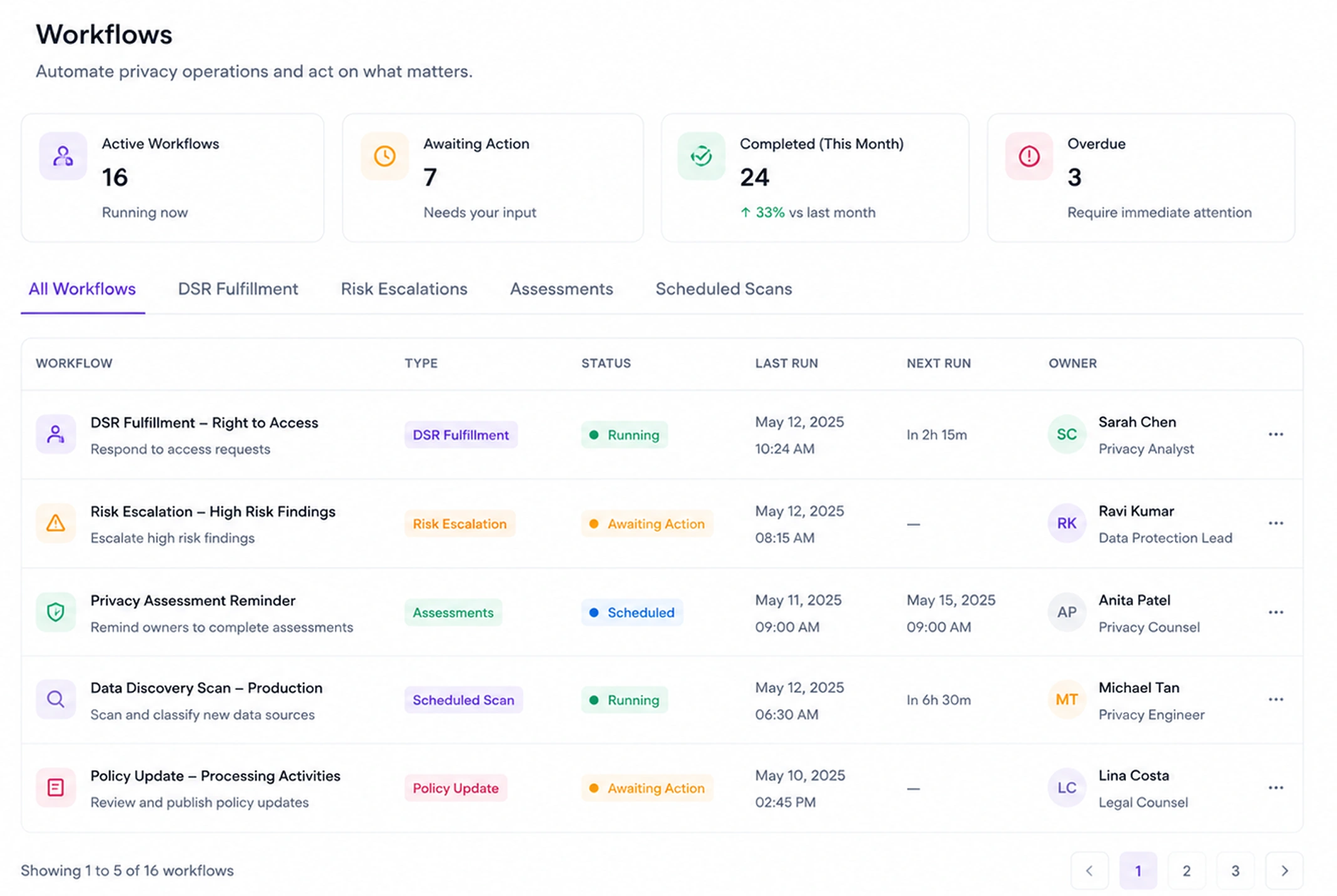
Build powerful privacy automation workflows without writing code. Trigger actions based on events, route tasks to the right people, and ensure nothing falls through the cracks.
Benefits
Why teams choose Privacy Workflows
Visual Workflow Builder
Drag-and-drop canvas to build any privacy process — from onboarding to offboarding to breach response.
Event-Based Triggers
Automatically start workflows based on DSR submissions, consent changes, vendor updates, and more.
Human-in-the-Loop
Route tasks to specific team members with deadlines, reminders, and approval gates.
Integrations
Connect to Slack, Jira, ServiceNow, and 50+ other tools to fit into existing processes.
Capabilities
What Privacy Workflows does
Visual Workflow Designer
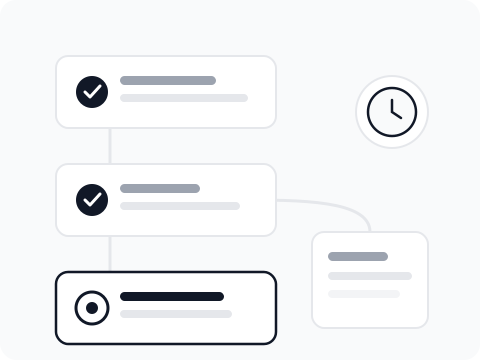
A drag-and-drop canvas where you build workflows by connecting trigger, condition, and action nodes. No code required. Complex multi-step processes with branching logic are expressed visually and are easy to audit and modify.
50+ Pre-Built Templates
Start from a template for the most common privacy processes — DSR intake and routing, breach response initiation, vendor onboarding, consent expiry re-engagement, and employee offboarding data deletion.
Event-Based Triggers
Workflows can be triggered by any event in TruePrivacy — a new DSR submission, a consent withdrawal, a vendor risk score change, a data retention rule expiry, or a custom webhook from an external system.
Human-in-the-Loop Tasks
Insert approval gates and manual task steps where human judgment is required. Tasks are assigned to specific users or roles with deadlines and escalation rules if not completed on time.
Conditional Logic & Branching
Workflows can branch based on data values — route a deletion request differently if the requestor is an employee versus a customer, or escalate automatically if a DSR scope exceeds 10,000 records.
External System Integration
Action steps can call external systems — create a Jira ticket, send a Slack message, update a Salesforce record, trigger a ServiceNow incident — using pre-built integrations or custom webhook calls.
How It Works
From setup to compliance
A few straightforward steps — no consultants required.
Choose a Trigger
Select the event that starts your workflow — a DSR submission, a calendar schedule, an incoming webhook, or a change in TruePrivacy data. Triggers can be filtered by conditions so only relevant events start the workflow.
Build Your Steps
Add action steps from the library: send an email, create a task, call an external system, wait for approval, or evaluate a condition. Connect steps with arrows and add branches for different outcomes.
Test Before Deploying
Use the workflow test mode to simulate a trigger event and trace execution through each step. Review outputs and timing before activating the workflow in production.
Monitor & Optimize
The workflow run history shows every execution with step-by-step status. Identify bottlenecks, stuck approvals, or failed external calls and address them without stopping live processing.
Included
Everything in the box
- Visual workflow designer
- 50+ built-in workflow templates
- Conditional logic and branching
- Approval workflows
- SLA management
- Webhook and API triggers
FAQ
Frequently asked questions
No. The visual workflow builder is designed for privacy managers and operations teams without coding experience. Pre-built templates cover the most common scenarios and can be activated with minimal configuration. For advanced use cases like custom webhook integration or complex conditional logic, a developer may be involved in the initial setup, but day-to-day workflow management requires no technical skills.
Yes. The webhook action step can call any HTTP endpoint — your internal APIs, external SaaS platforms, or data systems — with configurable authentication, headers, and request body. Response data can be used in subsequent workflow steps.
Failed steps are flagged in the workflow run history with error details. You can configure retry logic for transient failures and fallback actions for permanent failures. Critical failures trigger alerts to workflow administrators.
Yes. Multiple workflows can be subscribed to the same trigger event and will run independently in parallel. This is useful when different teams need to take different actions on the same event — legal, IT, and communications all responding to a breach notification simultaneously.
Ready to automate Privacy Workflows?
Join hundreds of teams using TruePrivacy to manage privacy operations at scale.
Free 14-day trial · No credit card required · Setup in minutes