Platform
Data Subject Registry
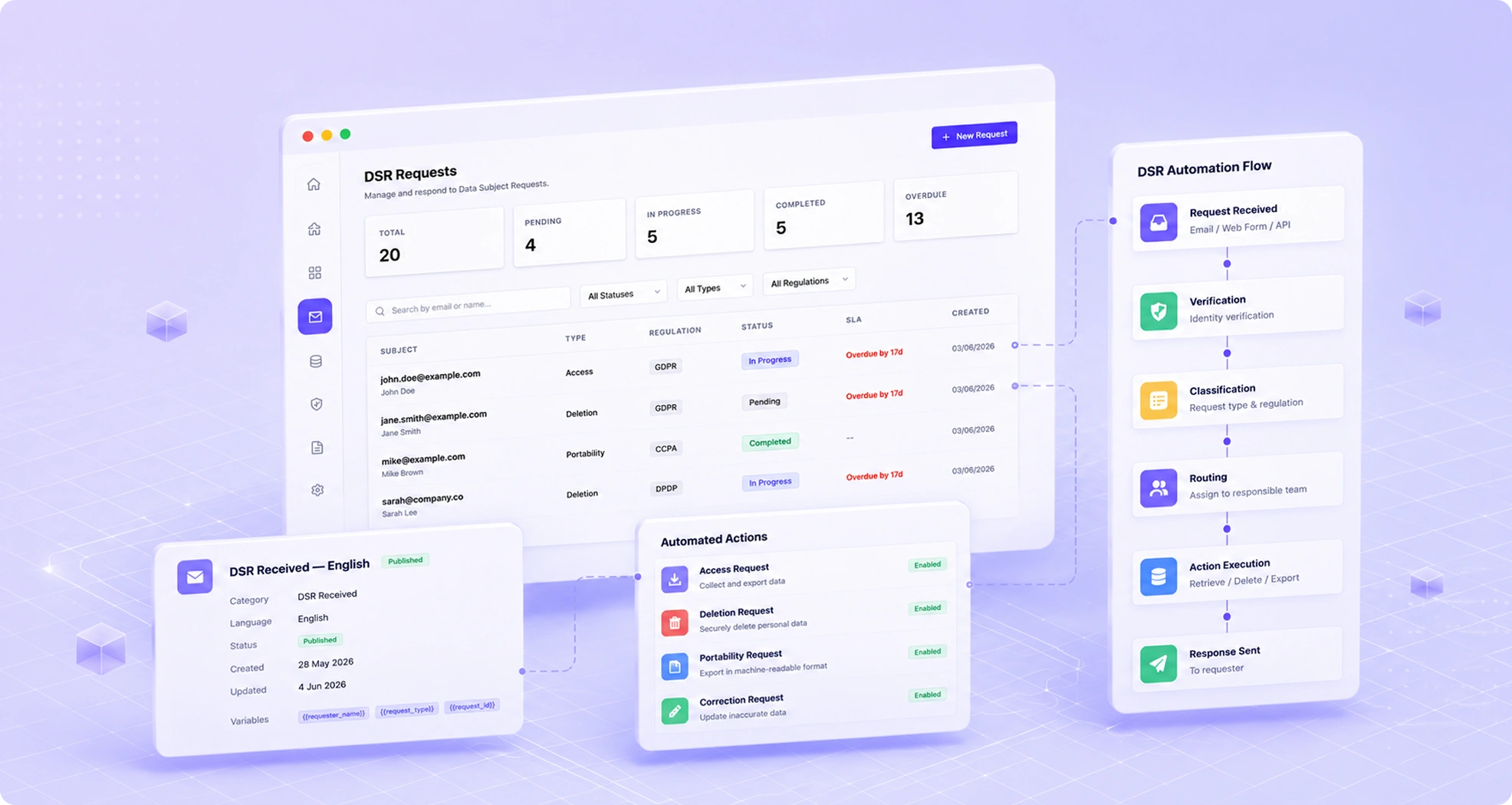
A single source of truth for every person whose data you hold — their data locations, consents, preferences, requests history, and more.
Benefits
Why teams choose Data Subject Registry
Unified Profiles
Aggregate data subject records from all connected systems into unified privacy profiles.
Request History
Full history of all DSRs submitted by and on behalf of each data subject.
Consent Timeline
Chronological consent history for every data subject and processing purpose.
Cross-System Search
Find any data subject's records across all connected systems in seconds.
Capabilities
What Data Subject Registry does
Unified Privacy Profiles
Aggregate records from all connected systems into a single privacy profile per data subject, resolved across different identifiers — email address, customer ID, phone number — to create a complete picture of each individual's data.
Cross-System Identity Resolution
TruePrivacy resolves the same individual across multiple systems that use different identifiers using configurable matching rules — exact email match, fuzzy name matching, or custom identifier fields.
Full Request & Consent History
Every DSR submitted and every consent event associated with a data subject is visible from their registry profile, providing a complete privacy history for each individual.
Real-Time Data Location View
For any data subject, see exactly which connected systems currently hold their data, what categories of data are held in each system, and when each data store was last updated.
Bulk Data Subject Management
Manage data subjects at scale with bulk search, bulk export, and bulk action capabilities — useful for large-scale compliance operations like post-acquisition data subject management.
GDPR/DPDP Compliant Record-Keeping
The registry maintains records in the format required by applicable regulations, providing ready-made documentation of your data subject inventory for regulatory audit purposes.

How It Works
From setup to compliance
A few straightforward steps — no consultants required.
Resolve Identities Across Systems
TruePrivacy queries all connected systems using the matching rules you configure and resolves records belonging to the same individual into a unified profile automatically.
Build Unified Profiles
Each unified profile aggregates the data subject's records from all systems, their complete consent history, all submitted DSRs, and their current preference settings into a single view.
Process Requests from the Profile
When a DSR is submitted, the registry profile provides the complete scope — all systems holding data for this individual — enabling accurate request processing from day one.
Maintain Over Time
Profiles update automatically as new data appears in connected systems or existing records change. Deleted records are reflected in the profile history even after deletion is confirmed.
Included
Everything in the box
- Unified data subject profiles
- Cross-system identity resolution
- Full request and consent history
- GDPR / DPDP compliant record-keeping
- Bulk data subject management
- Privacy profile export for DSRs
FAQ
Frequently asked questions
Matching is configurable per integration. The most common approach is deterministic matching on email address — if the same email appears in two systems, the records are linked. For systems using different identifiers, you can configure custom field mappings or use probabilistic matching that combines multiple fields (name, location, account creation date) to resolve identities with high confidence.
The registry stores metadata — which system holds data for a given individual, what categories of data are held, and when records were last updated. It does not store copies of the underlying personal data records. Raw data remains in the source systems and is accessed directly when needed for DSR processing.
Data subjects access their information through the Privacy Center, which presents a user-facing view of the registry profile. The backend registry is an internal tool for your privacy and operations teams.
A deletion request from a data subject triggers deletion across all connected systems and, once confirmed, the data subject's unified profile is archived in the registry with deletion confirmation records. The profile metadata is retained for the legally required period as evidence that the deletion was completed.
Ready to automate Data Subject Registry?
Join hundreds of teams using TruePrivacy to manage privacy operations at scale.
Free 14-day trial · No credit card required · Setup in minutes