Platform
Identity Verification
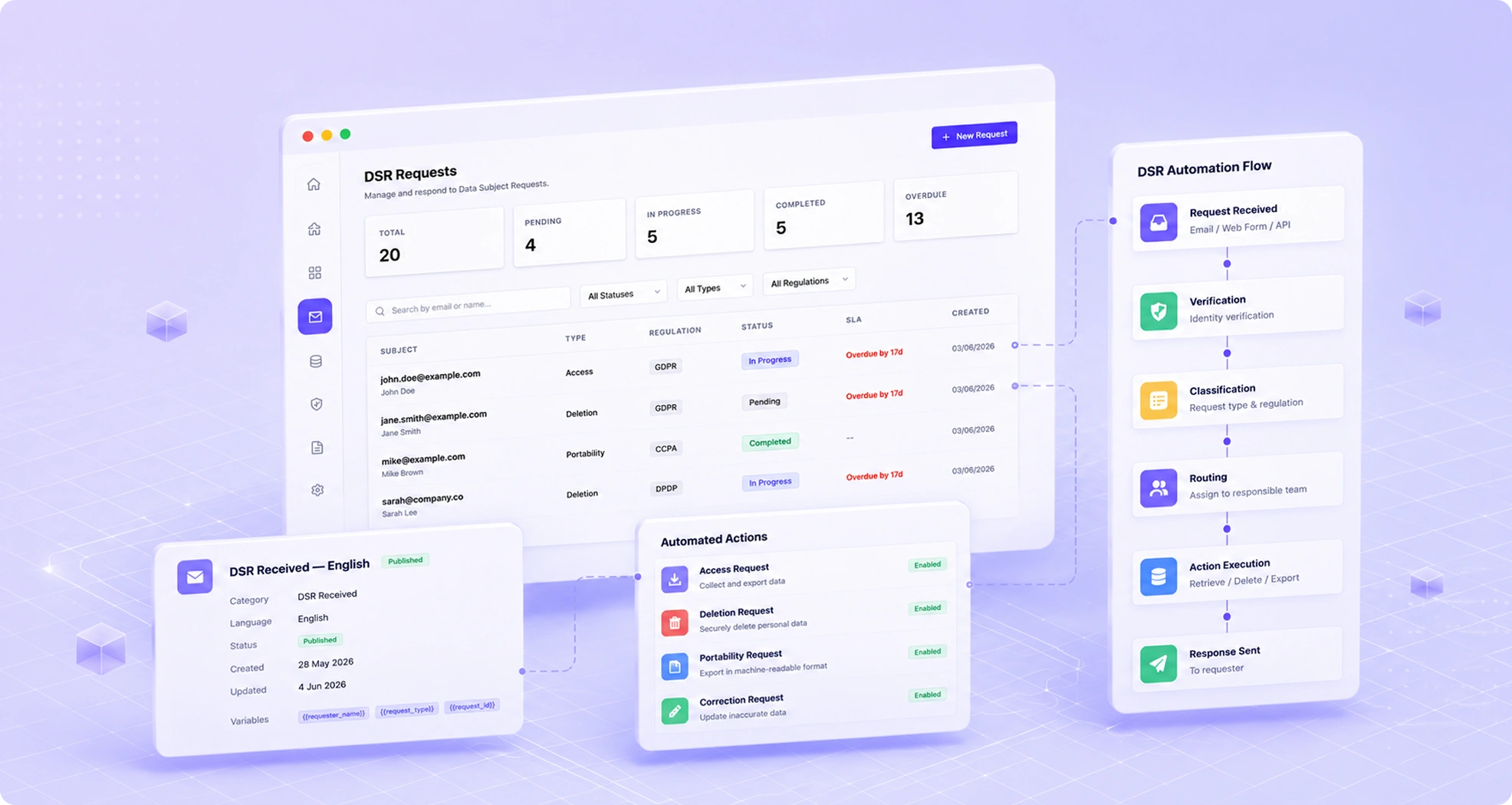
Protect against fraudulent DSR requests by verifying requestors with multi-factor identity checks — without creating excessive friction for legitimate users.
Benefits
Why teams choose Identity Verification
Proportional Verification
Apply the right level of identity verification based on request type and risk.
Multiple Methods
Support email verification, one-time passwords, ID document scanning, and biometric checks.
Fraud Detection
AI-powered fraud signals detect suspicious request patterns before processing.
Regulation Alignment
Verification workflows aligned with GDPR, DPDP, and CCPA guidance on identity.
Capabilities
What Identity Verification does
Proportional Verification Levels
Configure different verification levels for different request types and data sensitivity levels. Low-risk requests like marketing opt-outs use lightweight verification; high-risk requests like full data deletion require stronger confirmation.
Email & SMS OTP
One-time passcodes sent via email or SMS verify that the requestor controls the contact address associated with the data being requested — the most common and user-friendly verification method.
Knowledge-Based Authentication
Present the requestor with questions based on data you hold about them — last transaction amount, account creation date, registered address — to verify identity without requiring document submission.
Document Verification
For high-sensitivity requests, integrate with identity document verification providers to verify passports, national ID cards, and driving licenses. Verification outcomes are recorded without storing the document itself.
Fraud Detection
AI-powered fraud signals analyze request patterns — submission volume from an IP, velocity of similar requests, behavioral anomalies — and flag suspicious activity for review before processing proceeds.
Regulation-Aligned Guidance
Verification workflows are built to match the guidance of GDPR, DPDP, and CCPA on proportionality. The system helps you avoid both the compliance risk of under-verification and the user experience friction of over-verification.

How It Works
From setup to compliance
A few straightforward steps — no consultants required.
Configure Verification Rules
Define which verification method applies to each request type and data sensitivity level. Rules can vary by request type, data subject category, and jurisdiction.
Challenge the Requestor
When a request is submitted, the configured verification challenge is presented automatically. The requestor cannot proceed to the next step until verification is completed successfully.
Review Fraud Signals
High-risk verification flags are surfaced for manual review. Your team reviews the fraud signals and decides whether to proceed, request additional verification, or decline the request.
Record & Process
Successful verification is recorded in the request audit trail with the method used, timestamp, and outcome. The request enters the processing queue only after verification is confirmed.
Included
Everything in the box
- Email and SMS OTP
- Knowledge-based authentication
- Document verification (ID, passport)
- Biometric verification option
- Risk-based verification routing
- Audit trail for all verifications
FAQ
Frequently asked questions
GDPR requires controllers to take reasonable measures to verify the identity of requestors when there is doubt, particularly when requests are made online. It does not require you to collect more personal data than necessary — simple email verification is sufficient for many request types. TruePrivacy's proportional approach is designed to comply with the EDPB guidance on identity verification for DSRs.
If a legitimate requestor cannot complete verification — for example, they no longer have access to the email address in your records — you can offer an alternative verification path. TruePrivacy supports escalation to manual review where your team can make a judgment call and document the alternative verification method used.
The level of verification required should be proportional to the risk of fulfilling the request incorrectly. Access and portability requests carry a high risk of exposing someone else's data to a fraudster, so stronger verification is warranted. Deletion requests carry a lower privacy risk but an operational risk of deleting data you may need. TruePrivacy's configurable rules let you calibrate verification to the specific risk of each request type.
Yes, as an optional add-on. Biometric verification integrates with third-party identity verification providers to offer selfie-with-document matching for the highest-risk request scenarios. Biometric data is processed by the identity verification provider and only a pass/fail outcome is recorded in TruePrivacy.
Ready to automate Identity Verification?
Join hundreds of teams using TruePrivacy to manage privacy operations at scale.
Free 14-day trial · No credit card required · Setup in minutes